
Home page
Free Instant Download
Download Windows (8.3.8, 100Mb)

Download
Latest addition: Wednesday 24 May 2006.


In order to promote the use of GNU/Linux, the windows version has a limited number of activities. It is possible to access all the activities for a fee.

There is 2 Windows versions of GCompris:

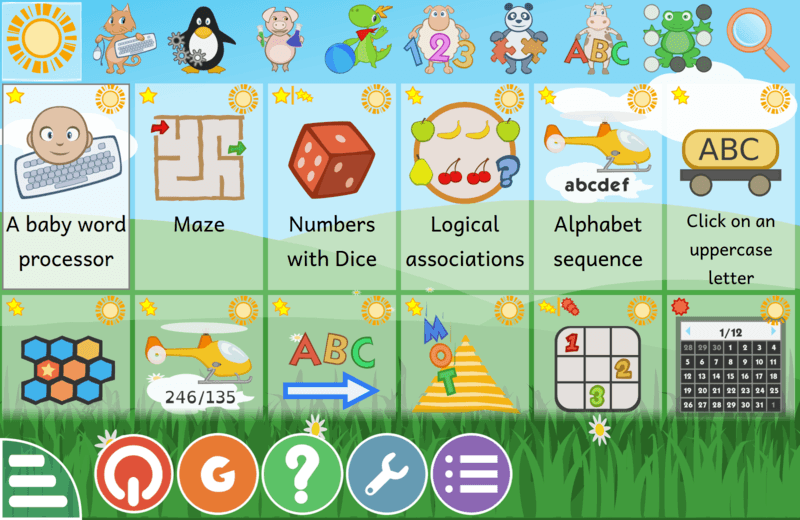
-  GCompris 7.4. It runs on windows 98 and above and not all activities are available with it. You can see on this page which activities are part of this version by looking at the windows logo.

-  GCompris 8.3 and above. It runs on windows 2000 and above. Once activated, it includes all the activities found on GNU/Linux.

To take advantage of this demo, download the file gcompris-X.X.exe. Save it on your hard drive and double click on it. Then follow the instructions (next, next, ...)


A Live CD is a bootable CDROM that contains a full operating system. When your start your computer with this CDROM inserted, it will start it’s content. In our case, the the Knoppix DVDROM contains a complete operating system including GCompris. When you start it, just pick GCompris in the start menu and your done.

All it means is that with this CDROM, you can enjoy the full Linux version of GCompris without installing GNU/Linux. More, this DVDROM can be used even if there is no hard drive, no operating system, or a defective operating system in your PC.

Note: In case your computer does not boot on the DVDROM, check the BIOS is configured to boot on the DVDROM before booting on the hard drive. Usually, you access the BIOS menu by pressing the ’Del’ key while the computer starts. On some PC, use the F2 or F10 key or look a the page how to enter / access motherboard BIOS .


Some activities in GCompris require localized audio voices like letters, colors, country names, congratulations, ... It maybe that GCompris does not have them for your language.

If they are not available, please help the schools and kids of your country, pick up a mic and contribute with your voice.

Send us your ogg files, they will be included in the next release, everybody in your country will thank you.


GCompris packages on sourceforge are created using the autopackage system. It may or may not work if you try to install it on your current distribution. It includes all the locales, nothing more is needed, just run the .autopackage file like explained here.

If you have some problem running the latest GCompris version, you can find one, pre-packaged for your distribution in the list bellow.

Distribution Package Link
Mandriva Usual repository, use urpmi from the contrib or backport repository.
Debian, Skolelinux Usual repository, use apt-get. Find recent GCompris version in the Unofficial repository maintained by Thomas.
Ubuntu, Edubuntu Usual repository, use apt-get. Find recent GCompris version in the Unofficial repository maintained by Thomas.
Pardushttp://paketler.pardus.org.tr/pardus-1.1/
ArchLinuxAUR Repository
Yellow Dog 3 http://yum.bravegnuworld.com/yum/yd/3/RPMS.bgw/
FreeBSD http://www.freshports.org/games/gcompris/
Gentoo http://packages.gentoo.org/packages/?category=games-kids;name=gcompris
Lindows http://www.lindows.com/lindows_products_details.php?id=1881
ALT LinuxUsual repository, use apt-get
Suse http://packman.links2linux.org/?action=243
Fedora Core Usual repository
MacOSX http://fink.sourceforge.net/pdb/package.php/gcompris (Not maintained anymore)


Download the archive gcompris-X.X.tar.gz then:
-  tar -xvf gcompris-X.X.tar.gz
-  cd gcompris-X.X
-  sh configure
-  Analyse, the errors, install the missing dependancies. Often you will have to install the -devel packages on your distribution. You will need SDL, SDL_Mixer, GTK, gnome-canvas, gnome-python, gnome-python-canvas)
-  make
-  make install